
 Intelli Docs
Manage Your Organization
Create and manage organizations, invite teammates, and set roles.
Your organization is the team space everything in Intelli lives in; contacts, templates, channels, billing. Manage it at Dashboard → Organization.
One account, many organizations
Your personal login can belong to several organizations; useful if you manage multiple businesses or you're an agency juggling clients. Switch between them with the organization selector in the dashboard sidebar.
Each organization has its own contacts, channels, templates, and billing. Nothing leaks between them.
Manage organizations
At Dashboard → Organization, the Manage Organizations page lists your organizations with member counts and creation dates. Use Search organizations to find one, or the sort dropdown to change the order. Click an organization name to open its settings and members.
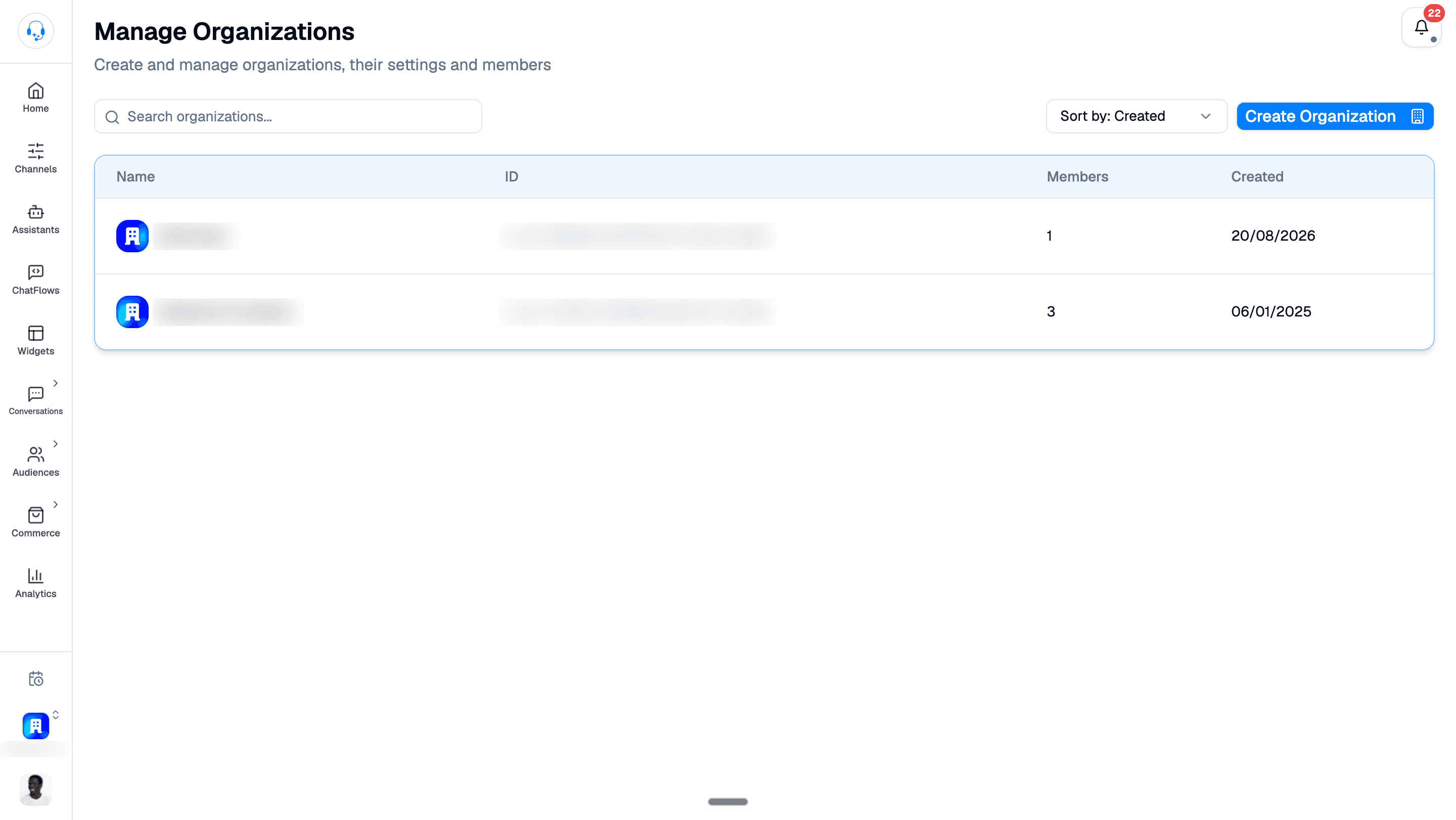
Create a new organization
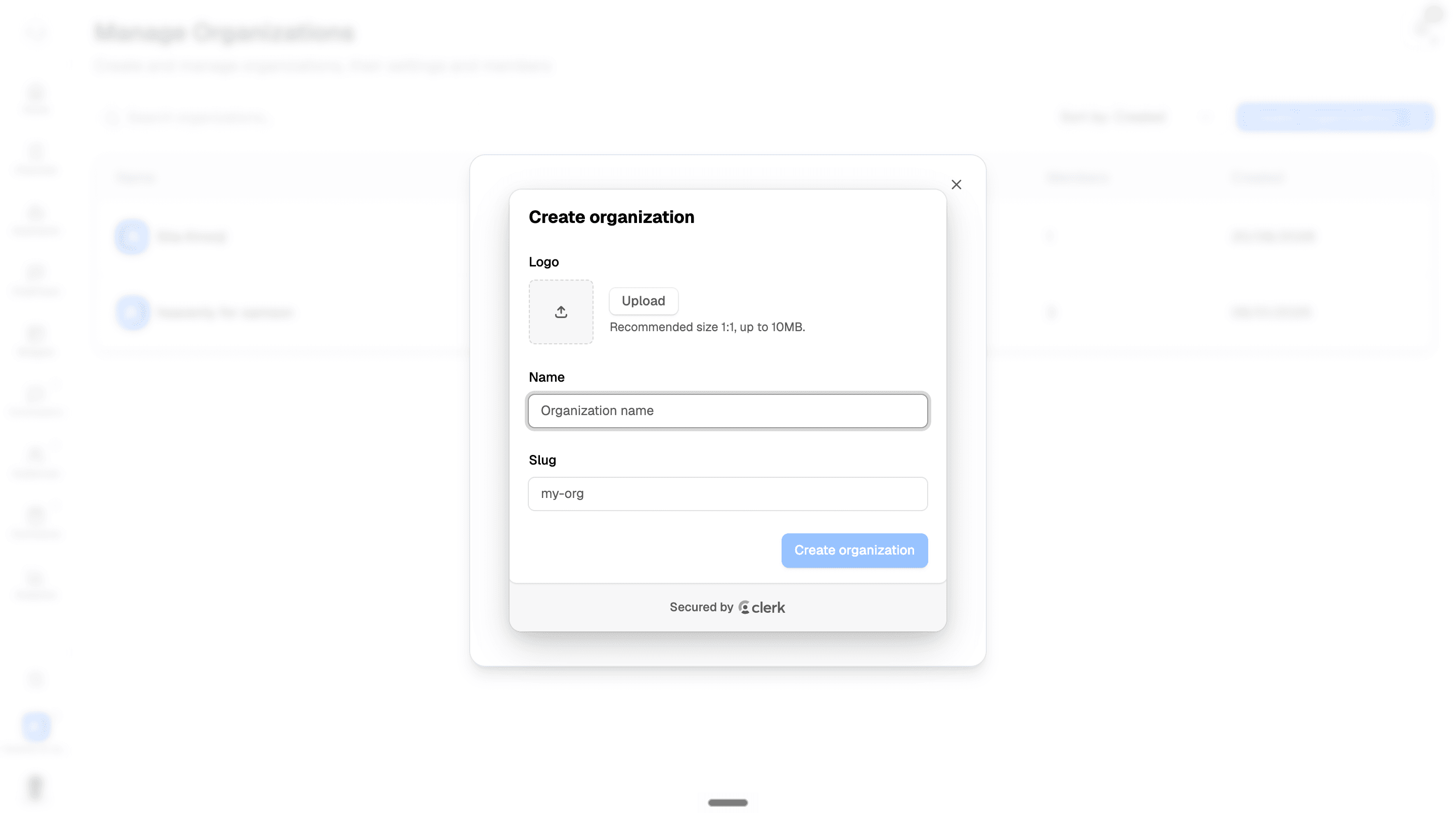
- On Manage Organizations, click Create Organization.
- To add a logo, click Upload. The recommended aspect ratio is 1:1, with a maximum file size of 10 MB.
- Enter the organization's Name and Slug.
- Click Create organization.
Inviting teammates
- Go to Dashboard → Organization and click your org name.
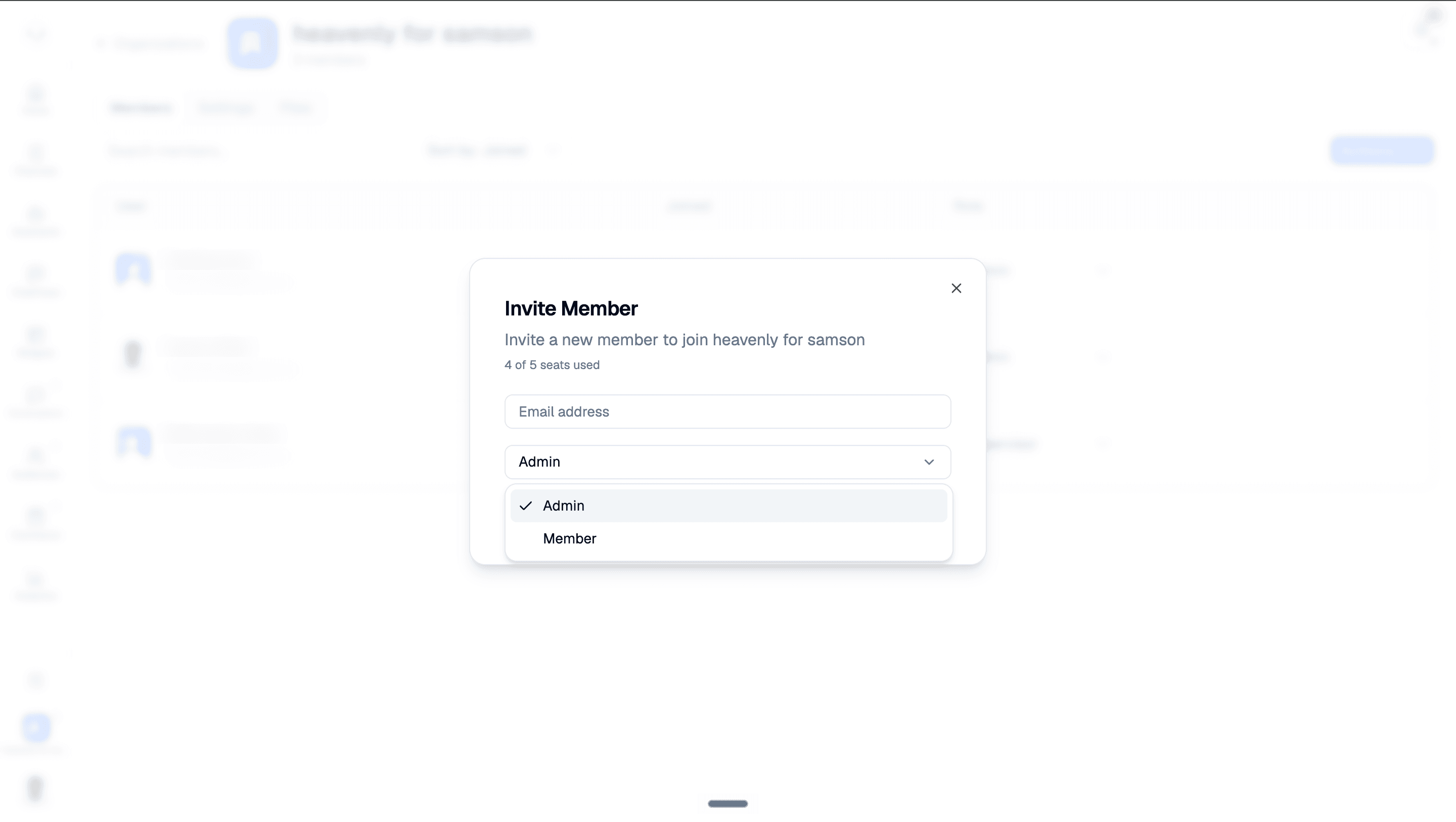
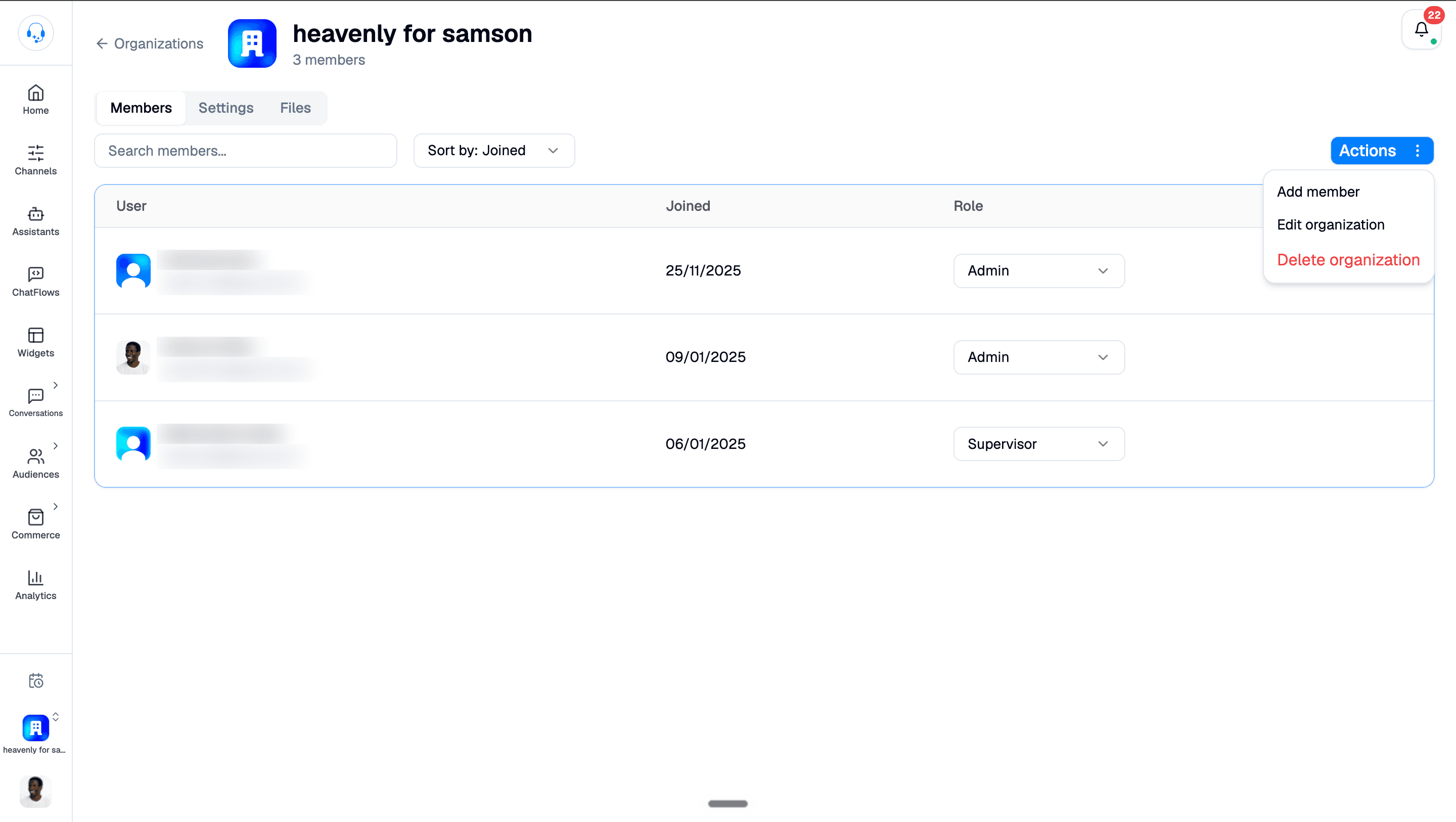
- Open Actions → Add member to open the Invite Member dialog.
- Type their email, pick a role (see next section), and send.
- They'll receive an email. When they click and sign up, they'll land straight in your organization.
Roles
When inviting a teammate, choose Admin or Member:
- Admin: Full access. Can invite/remove people, change billing, delete the organization.
- Member: Day-to-day operator. Can reply to messages, run campaigns, edit templates. Can't change billing or remove members.
Start small. You can promote someone to admin any time, but un-promoting is awkward.
Removing someone
From the Organization page, find the member, click the menu, hit Remove. They lose access immediately. Their tickets and replies stay (with their name); only access is revoked.
Renaming or deleting the organization
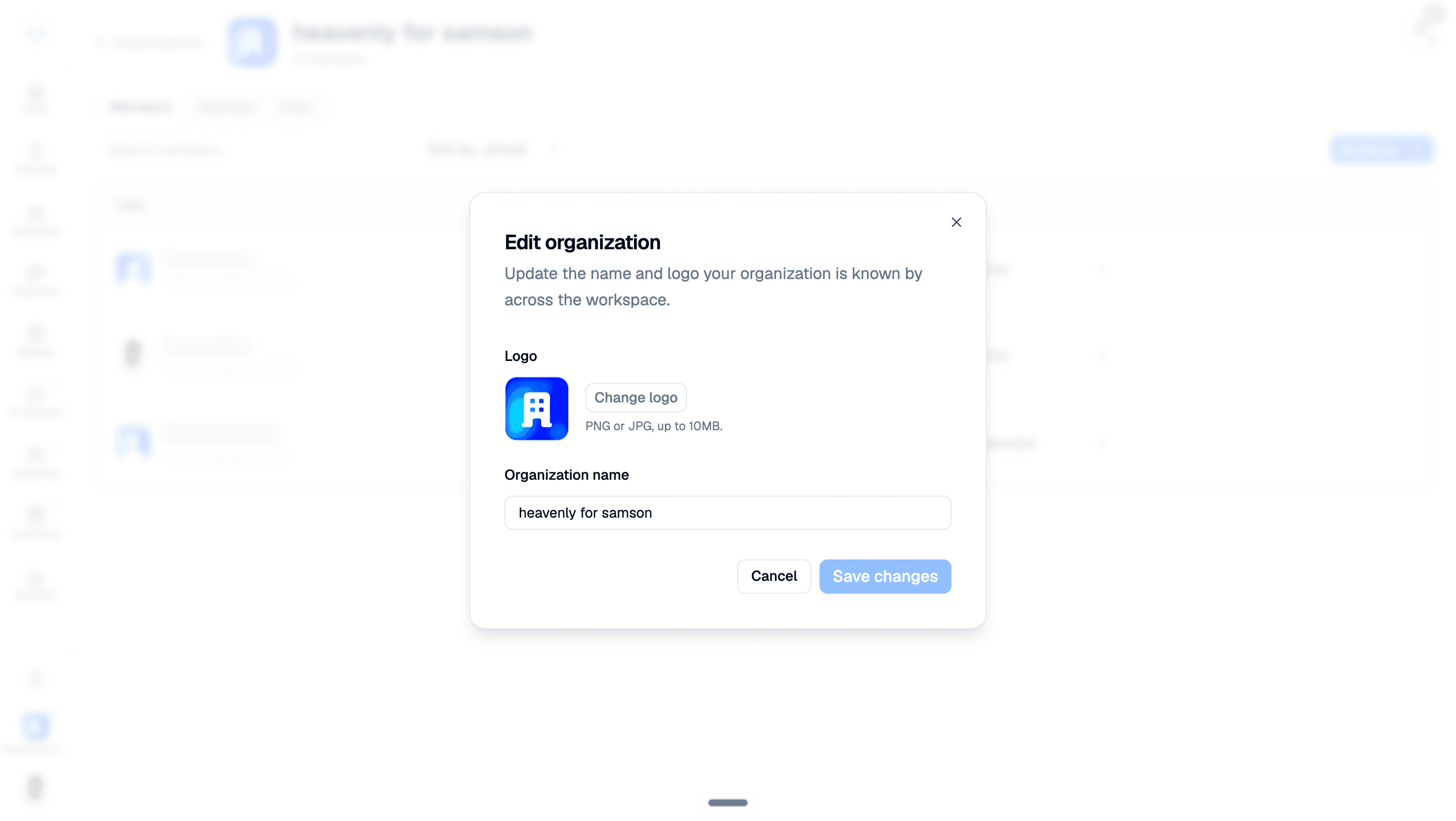
Edit the organization
- Open Actions → Edit organization.
- Update the Organization name, or choose Change logo to upload a PNG or JPG up to 10 MB.
- Click Save changes.
Delete the organization
Admins can open Actions → Delete organization. Deletion removes all contacts, templates, channels, and history. This cannot be undone.
What's next
- Set up billing → Billing & Plans
- Decide who handles what → Tickets & Escalations