
 Intelli Docs
Billing & Plans
Change your plan, update payment details, manage add-ons, and download invoices.
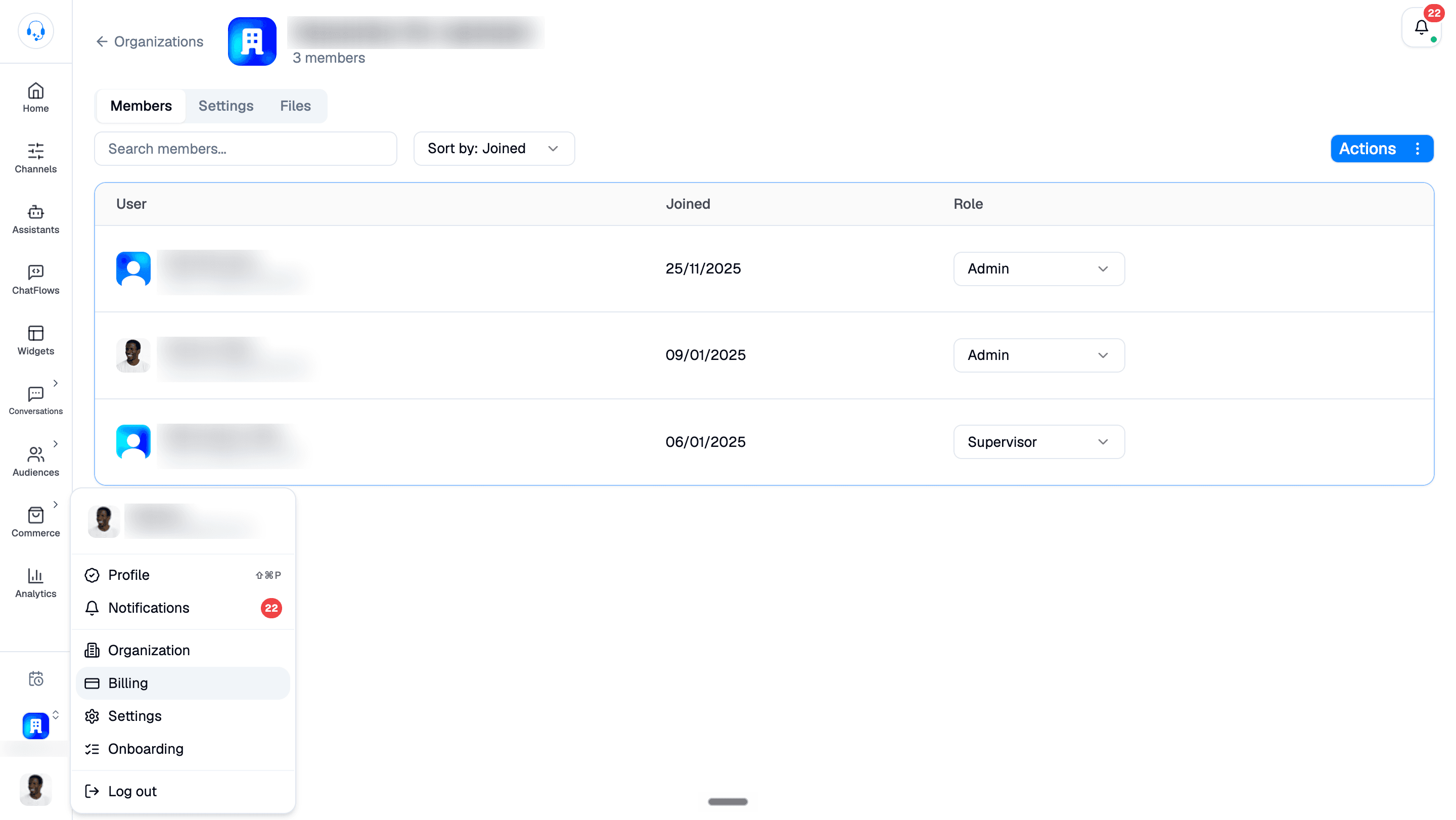
Manage your subscription, payment method, and invoices at Dashboard → Billing. Open your profile menu at the bottom of the sidebar and select Billing.
Reviewing your subscription
The Plan card shows your current plan, status, base price, active add-ons, and next invoice date. Use Change plan to switch plans or Manage under Payment method to update your payment details.
Choosing or changing a plan
- Go to Billing.
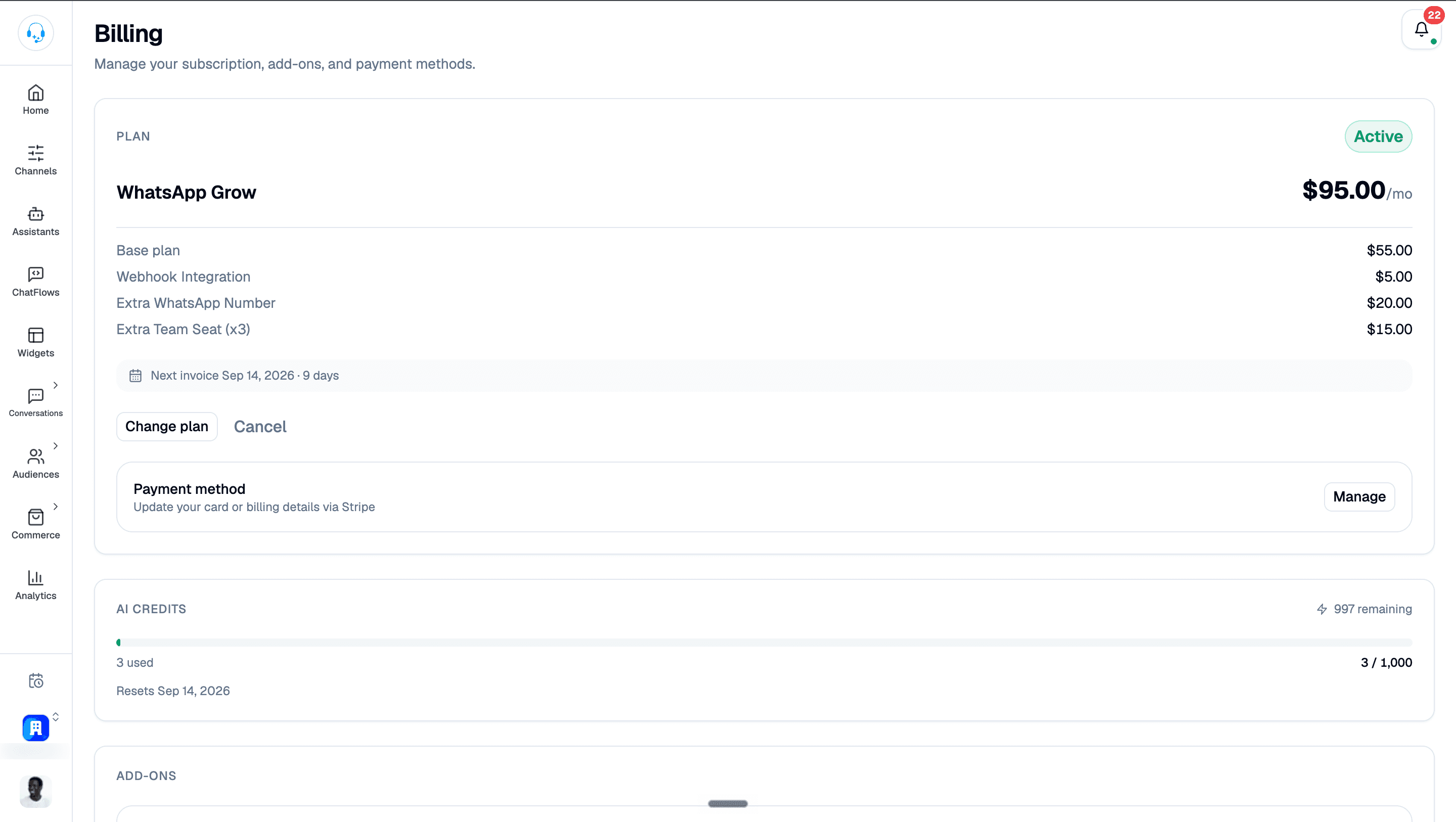
- Click Change plan to open Choose a plan.
- Select Monthly or Yearly (save 2 months), then choose a plan.
- Select the action beside your chosen plan, shown as Start Free Trial in the dialog below, and follow the prompts to review and confirm payment details.
Upgrades take effect immediately. Downgrades take effect at the next billing cycle.
Plan limits worth knowing
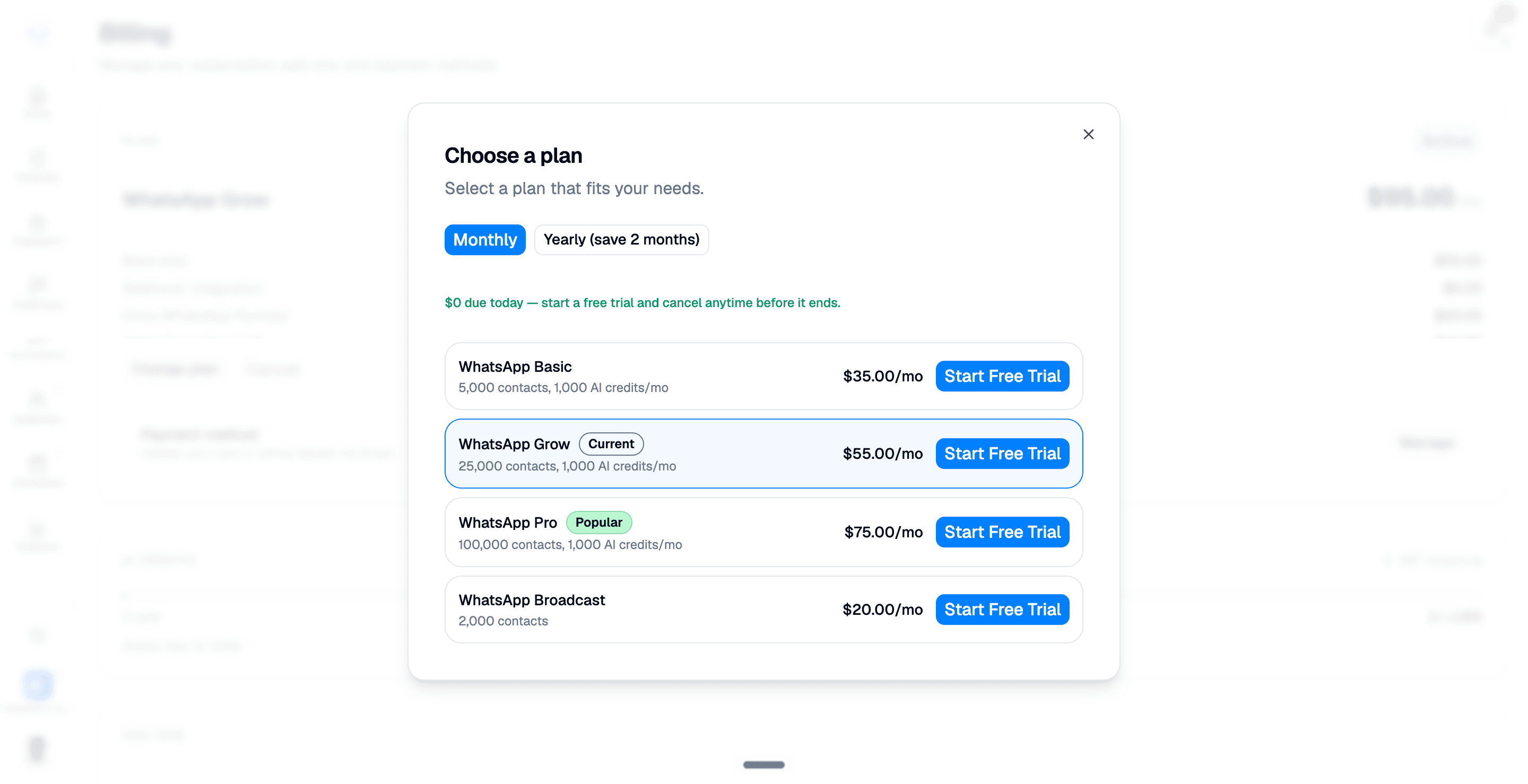
- Contacts: WhatsApp AI Assistant tiers start at 5,000 contacts on Basic and scale up to unlimited on the higher tiers. The WhatsApp Broadcasts plan includes 2,000 contacts.
- REST API access: available on the Enterprise plan only. Developer documentation lives on the developer platform.
- Webhooks: included on Enterprise. On other plans, add the Webhook integration from Billing as a $5/mo add-on to unlock inbound and outbound webhooks. See Webhooks.
Payment methods
You can pay with credit/debit card. To update the card on file, click Manage in the Payment method section of Billing to update your card or billing details via Stripe. The change takes effect on your next charge.
Add-ons
Scroll to Add-ons to view available extras and their prices. Use Add beside an available item; enabled recurring add-ons are marked Active and show Remove. Review the applicable charges before confirming a change.
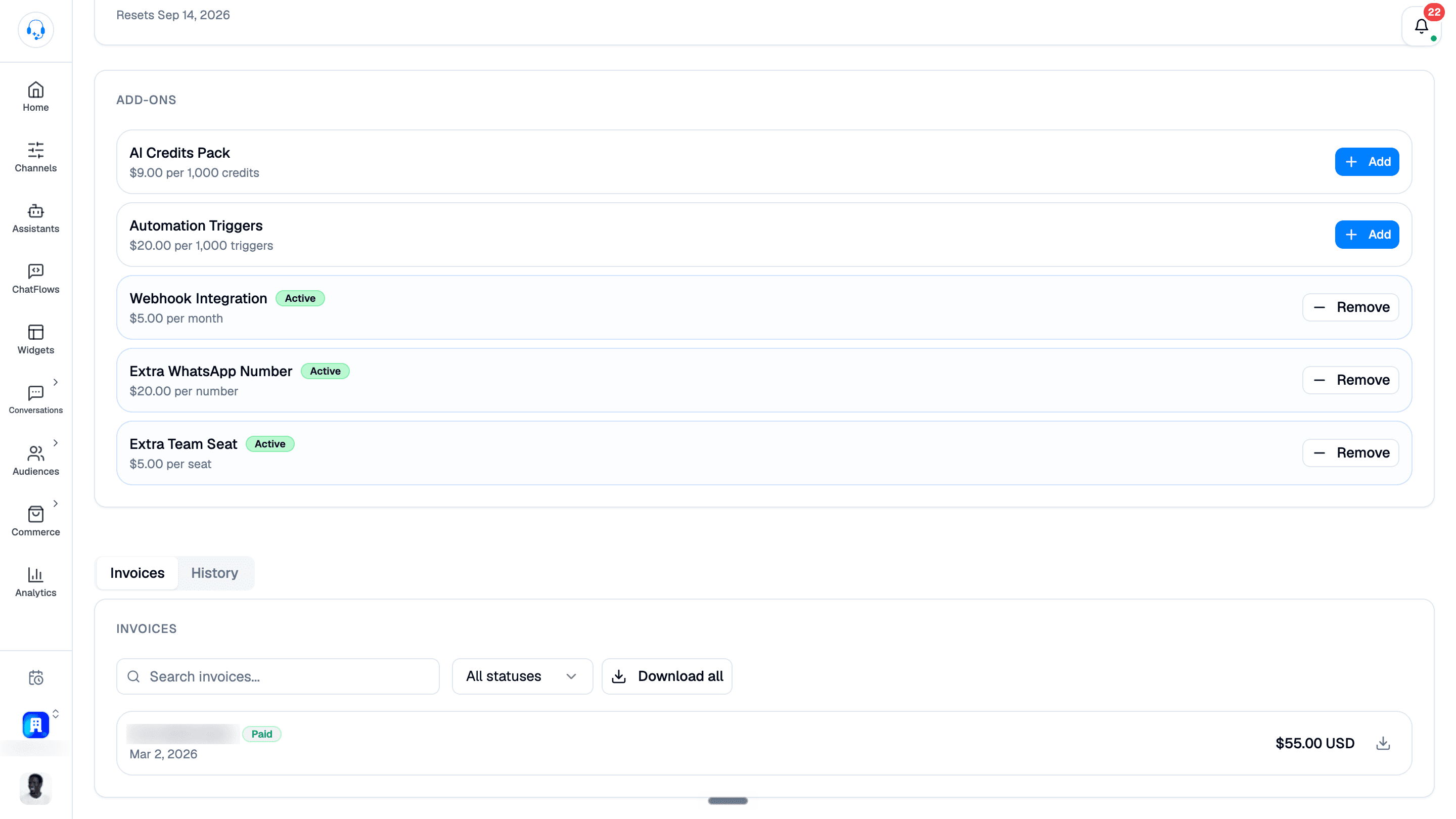
Available items shown include AI Credits Pack, Automation Triggers, Webhook Integration, Extra WhatsApp Number, and Extra Team Seat. The screenshot in Invoices shows these controls together with the invoice list.
Invoices
Every billing cycle generates an invoice. Scroll below Add-ons and select the Invoices tab. You can:
- Use Search invoices or the All statuses filter to find an invoice.
- Use the download icon beside an invoice or Download all for your records.
- See a breakdown; Intelli plan, WhatsApp usage, any add-ons.
- Forward them to your accountant.
WhatsApp conversation pricing: the gist
Meta groups outbound messages into 24-hour conversations. You pay once per conversation, regardless of how many messages you send inside that window. Four categories:
- Marketing: promotional. Most expensive.
- Utility: order/account updates. Cheaper.
- Authentication: OTPs. Cheap.
- Service: customer-initiated chat. Free after the first reply.
Exact rates depend on the recipient's country. Meta updates them periodically; current rates are linked from the Billing page.
Cancelling
You can cancel at any time from Billing. Your account stays active until the end of the current billing cycle; then it downgrades to a read-only state. Your data is kept for 30 days in case you change your mind.
Need help?
Billing questions go to [email protected], or file a ticket from Settings → Support Tickets; we respond within 48–72 hours.