
 Intelli Docs
Your First Steps
Sign up, set up your assistant, and connect your first channel.
New to Intelli? This is the path from a fresh account to your first AI-answered customer conversation.
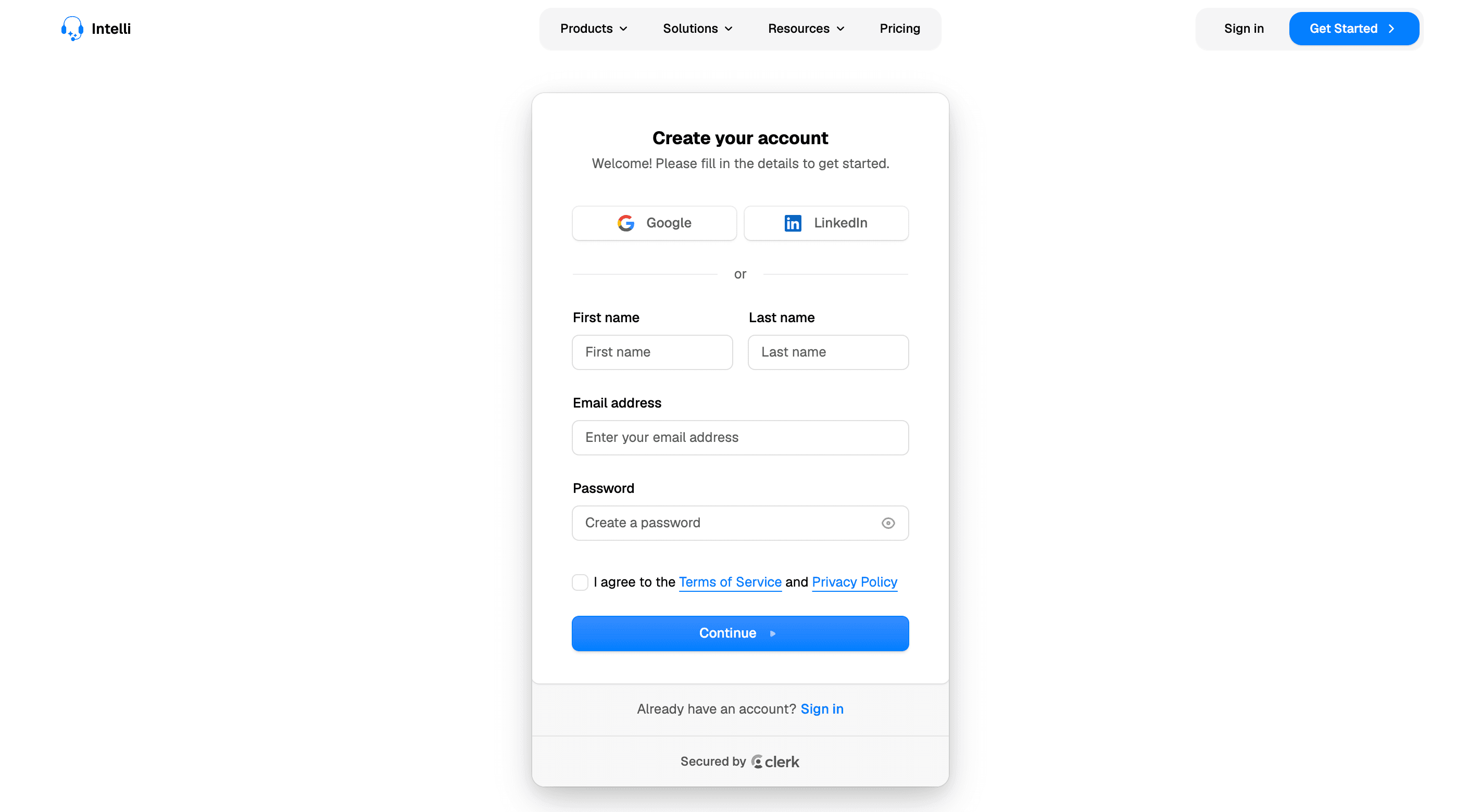
Create your account
You can sign up for Intelli in two ways:
Social sign-up
Sign up with an existing account from a provider like Google or LinkedIn.
Email + password
Sign up with your email address (preferably your work email) and create a password.
Information you share
Depending on the sign-up method, we receive your email address and password or username, plus your profile picture if you used social sign-up. We also record your IP address, country of origin, and account sessions to verify your logins.
The setup path
Set up your organization
Your organization is your workspace; it holds your assistants, channels, and teammates. We automatically create an organization for you when you sign up, and once you are signed in you can change the organization name, logo and invite your team members.
Create your AI assistant
The assistant is the brain that replies to customers on your behalf. We automatically create it for you as you are going through the onboarding. Later on you can provide it with a better prompt, upload files, and crawl your organization web pages to give it context so it knows your business better. Set up your assistant.
Connect a channel
Customers need a way to reach the assistant. Connect your WhatsApp Business number, link your Instagram account, or add the chat widget to your website.
Test and iterate
Message your own number or widget, watch the replies in Conversations, and refine the assistant's prompt until the answers sound right.
Where to go next
- Send your first bulk message → Campaigns
- Automate predictable conversations → Chatbots & Flows
- Route tricky conversations to humans → Tickets & Escalations